Usb A To C Cables – A Comprehensive Guide
Usb A To C Cables – A Comprehensive Guide
Introduction
In today’s fast-paced technological landscape, connectivity solutions are more important than ever. One such solution is the USB A to C cables. These cables play a crucial role in connecting various devices, such as smartphones, laptops, and peripherals. With the evolution of USB technology, understanding the differences and functionalities of these cables can significantly enhance your device’s performance and compatibility.
This comprehensive guide will delve into the specifics of USB A to C cables, outlining their benefits, applications, and tips for selecting the right one for your needs. Whether you’re a tech enthusiast or a casual user, you’ll find the information here invaluable for making informed decisions about your connectivity options.
Understanding usb a to c cables
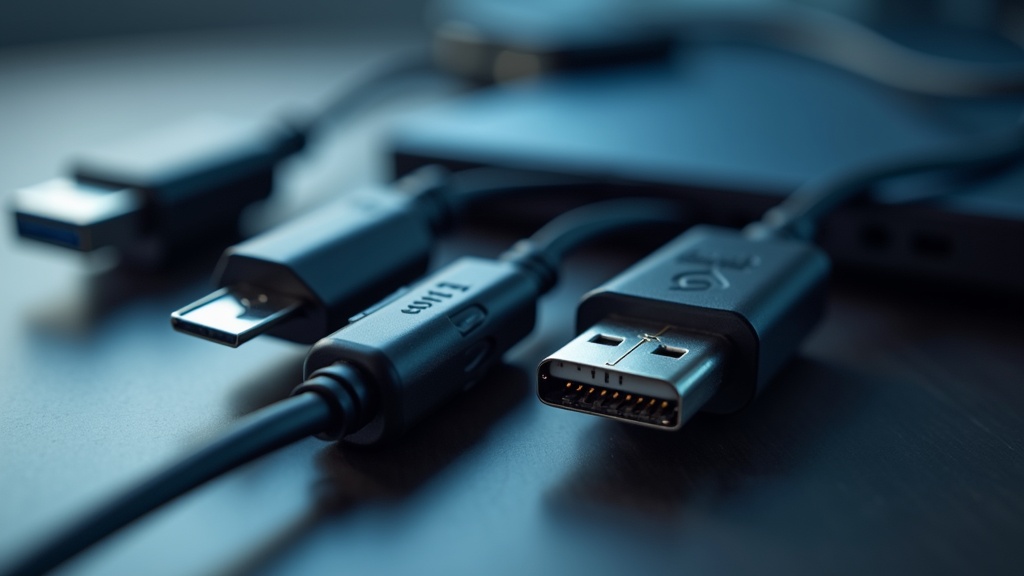
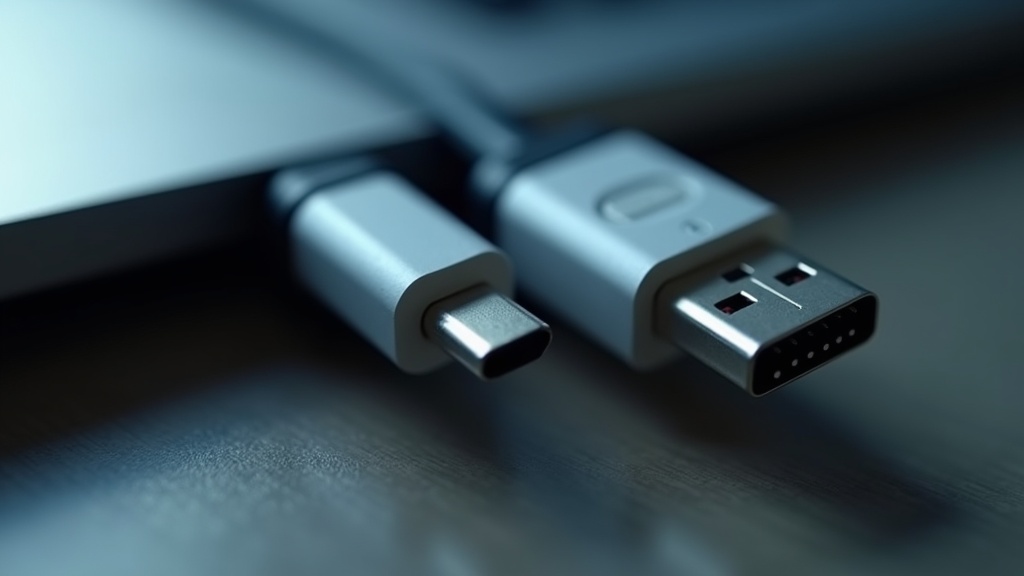
USB A to C cables are designed to facilitate the connection between devices featuring a traditional USB Type-A port and those equipped with the newer USB Type-C port. The USB Type-A connector is the standard rectangular connector that has been in use for many years, while USB Type-C is a more recent innovation that offers a reversible design, allowing users to insert the connector either way.
The evolution from USB A to C has introduced several enhancements, including faster data transfer rates and improved power delivery. USB Type-C supports various protocols and can handle video output, making it a versatile option for modern devices. Understanding these differences is essential for ensuring compatibility and optimizing the performance of your gadgets.
Key Benefits of usb a to c cables
USB A to C cables offer several advantages that make them a preferred choice among consumers:
- Versatility: These cables can connect a wide range of devices, including smartphones, tablets, laptops, and peripherals, making them versatile tools for everyday use.
- Faster Charging: With USB Type-C’s power delivery capabilities, users can enjoy faster charging times compared to traditional USB cables.
- High-Speed Data Transfer: USB A to C cables support data transfer rates of up to 10 Gbps, allowing for quick file transfers between devices.
- Reversible Design: The USB Type-C connector’s reversible design eliminates the frustration of trying to plug in a cable the right way, enhancing user experience.
Common Applications
USB A to C cables have a wide array of applications in various settings:
- Charging Devices: They are commonly used to charge smartphones, tablets, and other portable devices.
- Data Transfer: They are ideal for transferring files between computers and external drives or between different devices.
- Connecting Peripherals: Users often connect devices like printers, scanners, and external monitors using USB A to C cables.
- Audio and Video Output: With support for protocols like DisplayPort, USB Type-C can also be used to connect to displays and transmit audio and video signals.
How to Choose the Right usb a to c cables
Choosing the right USB A to C cable can be daunting, but considering a few key factors can simplify the process:
- Length: Determine the length of the cable you need based on your setup and how far apart your devices are.
- Data Transfer Speed: Look for cables that support higher data transfer rates, especially if you plan to transfer large files frequently.
- Power Delivery Capability: If you need faster charging, ensure the cable supports USB Power Delivery (PD).
- Durability: Opt for cables with robust construction and quality materials to withstand wear and tear.
Best Practices and Tips
To maximize the efficiency and lifespan of your USB A to C cables, consider the following best practices:
- Use Quality Cables: Invest in high-quality cables from reputable brands to ensure safety and performance.
- Avoid Overheating: Disconnect chargers when devices are fully charged to prevent overheating and potential damage.
- Store Properly: Avoid bending or twisting cables excessively when storing them to maintain their integrity.
- Regular Inspection: Periodically check cables for signs of wear or damage and replace them as necessary.
Common Mistakes to Avoid
When using USB A to C cables, avoiding common pitfalls can save you time and frustration:
- Choosing Incompatible Cables: Ensure the cable is compatible with your devices, especially regarding power delivery and data transfer rates.
- Ignoring Cable Ratings: Failing to consider the cable’s specifications can lead to poor performance and potential damage to your devices.
- Overloading Ports: Avoid connecting multiple high-power devices to a single port to prevent overheating and damage.
- Neglecting Updates: Stay informed about any firmware updates for your devices that may improve compatibility with USB technologies.
Future Trends
The landscape of USB technology is continually evolving. Here are some expected trends in USB A to C cables:
- Increased Adoption: As more devices transition to USB Type-C, the demand for USB A to C cables is likely to grow.
- Enhanced Power Delivery: Future iterations may support even higher wattage for faster charging of larger devices like laptops.
- Integration of New Protocols: USB Type-C may increasingly incorporate additional protocols for enhanced functionality, such as Thunderbolt 4.
- Eco-Friendly Materials: As sustainability becomes a priority, manufacturers may begin using eco-friendly materials in cable production.
Conclusion
USB A to C cables are essential tools in today’s interconnected world. Understanding their functionality, benefits, and applications can help you choose the right cable for your needs. By following best practices and avoiding common mistakes, you can ensure a reliable and efficient connection for all your devices. As technology advances, staying informed about the latest trends in USB technology will keep you ahead in the ever-evolving digital landscape.