Usb Type C To A Cables – A Comprehensive Guide
Usb Type C To A Cables – A Comprehensive Guide
Introduction
In the ever-evolving world of technology, the USB Type C to A cables have emerged as a crucial component for connectivity between various devices. As more electronics adopt the USB Type C standard, understanding the importance and functionality of these cables becomes vital. USB Type C cables are known for their reversible design and ability to transfer data and power at high speeds. This guide will delve into the intricacies of USB Type C to A cables, highlighting their benefits, applications, and tips for choosing the right one for your needs.
Understanding usb type c to a cables
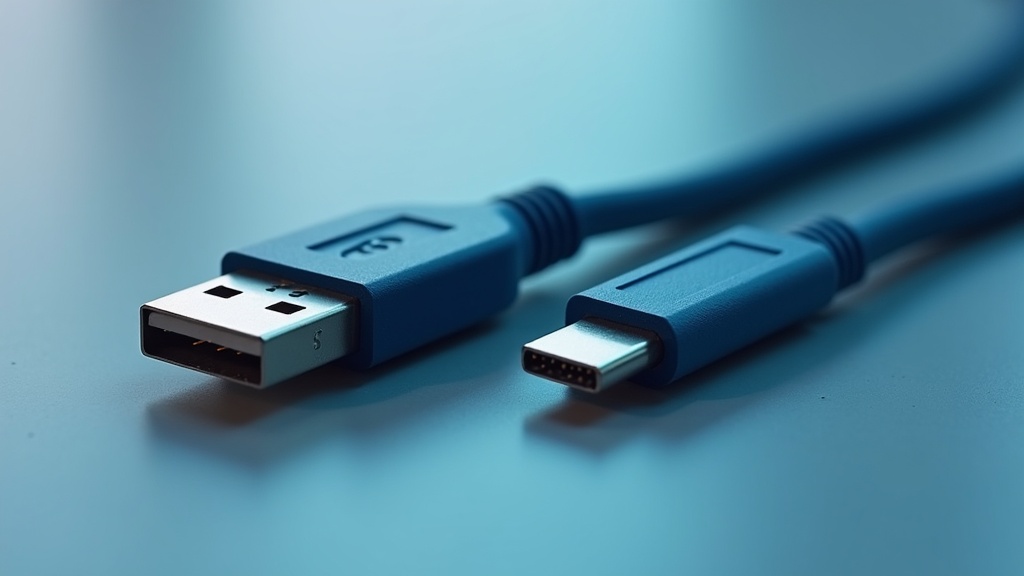
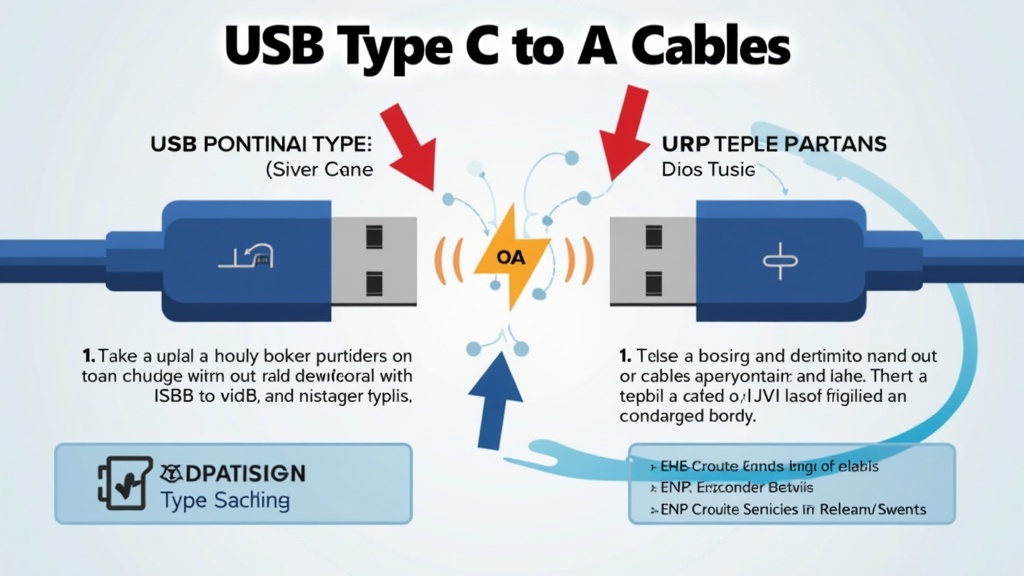
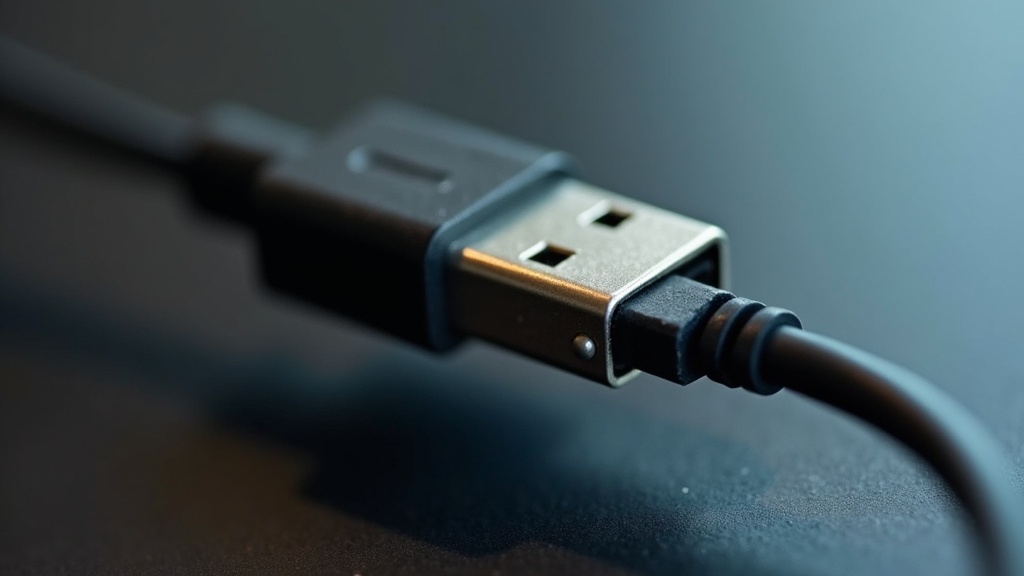
USB Type C to A cables serve as an essential link between modern devices equipped with USB Type C ports and traditional USB Type A ports. The USB Type C connector is a newer standard that provides a more efficient and versatile connection, capable of transmitting data, video, and power through a single cable. In contrast, the USB Type A connector has been a staple in the technology realm for many years, primarily used for connecting peripherals like printers, keyboards, and external drives.
These cables are designed to bridge the gap between the old and new, allowing users to connect their smartphones, laptops, and other devices that utilize USB Type C to older devices that still rely on the USB Type A standard. This compatibility is crucial as it ensures that users can continue to utilize their existing hardware while transitioning to the latest technology.
Key Benefits of usb type c to a cables
The advantages of using USB Type C to A cables are numerous, making them an essential accessory for both personal and professional use. Here are some key benefits:
- Versatility: These cables are compatible with a wide range of devices, making them a versatile choice for various applications.
- High-Speed Data Transfer: USB Type C supports faster data transfer rates compared to older USB standards, enabling quick file transfers.
- Power Delivery: Many USB Type C cables support power delivery, allowing for faster charging of devices.
- Reversible Design: The USB Type C connector can be plugged in either way, eliminating the frustration of trying to connect it the right way.
- Future-Proofing: As more devices adopt USB Type C ports, investing in these cables ensures compatibility with future technology.
Common Applications
USB Type C to A cables are widely used across various applications, making them indispensable in both home and office environments. Some common applications include:
- Connecting Smartphones: Users can connect their USB Type C smartphones to older laptops or chargers with USB Type A ports.
- Data Transfer: These cables facilitate fast data transfer between devices such as external hard drives and computers.
- Charging Devices: USB Type C to A cables can be used to charge devices that require a USB Type C connection while connected to standard USB A chargers.
- Peripheral Connections: Connecting printers, scanners, and other peripherals that still use USB Type A ports to newer computers.
- Media Transfer: Users can easily transfer media files from USB Type C devices to USB Type A storage devices.
How to Choose the Right usb type c to a cables
Selecting the right USB Type C to A cable is crucial for ensuring optimal performance and compatibility. Here are some tips to help you make the right choice:
- Check Compatibility: Ensure that the cable is compatible with both your USB Type C device and the USB Type A port you intend to use.
- Consider Length: Choose a cable length that suits your needs, whether for desk use or portability.
- Data Transfer Speed: Look for cables that support high-speed data transfer, ideally USB 3.0 or higher, for faster performance.
- Power Delivery: If you plan to charge devices, opt for cables that support power delivery for faster charging capabilities.
- Brand Reputation: Choose products from reputable brands known for their quality and durability.
Best Practices and Tips
- Avoid Excessive Bending: Prevent damage by not bending the cable excessively, especially near the connectors.
- Store Properly: When not in use, store cables in a cool, dry place, ideally coiled neatly to prevent tangling.
- Regular Inspection: Periodically check cables for signs of wear and tear, such as fraying or loose connections.
- Use with Compatible Devices: Always use the cable with devices that it is designed for to avoid performance issues.
- Stay Updated: Keep an eye on emerging technologies and standards to ensure your cables remain compatible with future devices.
Common Mistakes to Avoid
While using USB Type C to A cables, users often make mistakes that can lead to performance issues or damage. Here are some common pitfalls to avoid:
- Buying Incompatible Cables: Ensure you purchase cables that are compatible with both the Type C and Type A standards.
- Ignoring Specifications: Always check the specifications for data transfer speeds and power delivery capabilities before buying.
- Neglecting Cable Quality: Avoid cheap, unbranded cables as they may not meet safety standards and can cause damage to devices.
- Overloading Ports: Be cautious not to overload USB A ports with multiple devices, which can lead to performance issues or damage.
- Improper Storage: Avoid cramming cables into tight spaces, which can lead to damage and reduced lifespan.
Future Trends
The landscape of USB technology is continuously evolving, and several trends indicate how USB Type C to A cables will develop in the future:
- Wider Adoption: As more devices adopt USB Type C ports, the demand for USB Type C to A cables will continue to grow.
- Enhanced Data Transfer Rates: Future cables may support even faster data transfer rates with advancements in USB technology.
- Increased Power Delivery: Expect cables with improved power delivery capabilities, enabling even faster charging for devices.
- Integration with Other Technologies: USB Type C may increasingly integrate with other technologies, such as Thunderbolt 3, for enhanced performance.
- Focus on Sustainability: Manufacturers may prioritize eco-friendly materials and production processes in cable design.
Conclusion
USB Type C to A cables are vital for bridging the gap between new and old technology, offering versatile connectivity solutions for various devices. Understanding their benefits, applications, and how to choose the right cable can significantly enhance user experience. As technology continues to evolve, staying informed about future trends will ensure you make the best choices for your connectivity needs. For more insights on technology trends, you can explore seo technologies and check out the top search engines for a broader understanding of the digital landscape. Additionally, consider visiting you seo for expert SEO strategies related to technology products.