Usb A To C Cables – A Comprehensive Guide
Usb A To C Cables – A Comprehensive Guide
Introduction
In a world where technology evolves rapidly, the demand for versatile and efficient connectivity solutions is ever-increasing. One such solution that has gained immense popularity is the USB A to C cable. This cable type serves as a bridge between older USB A ports and the newer USB C devices, allowing for seamless data transfer and charging capabilities. Understanding the significance of USB A to C cables can help consumers make informed decisions about their technology needs.
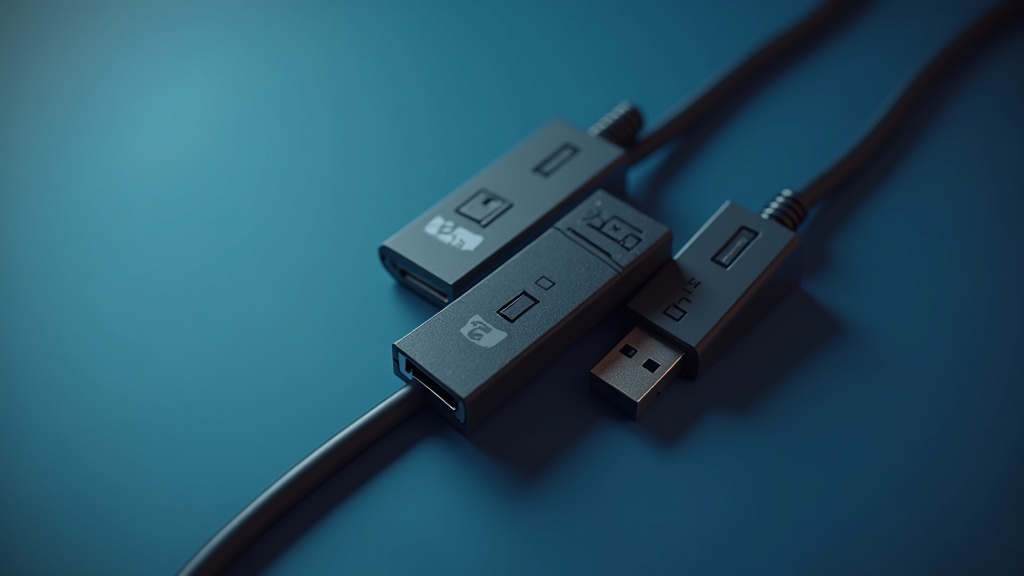
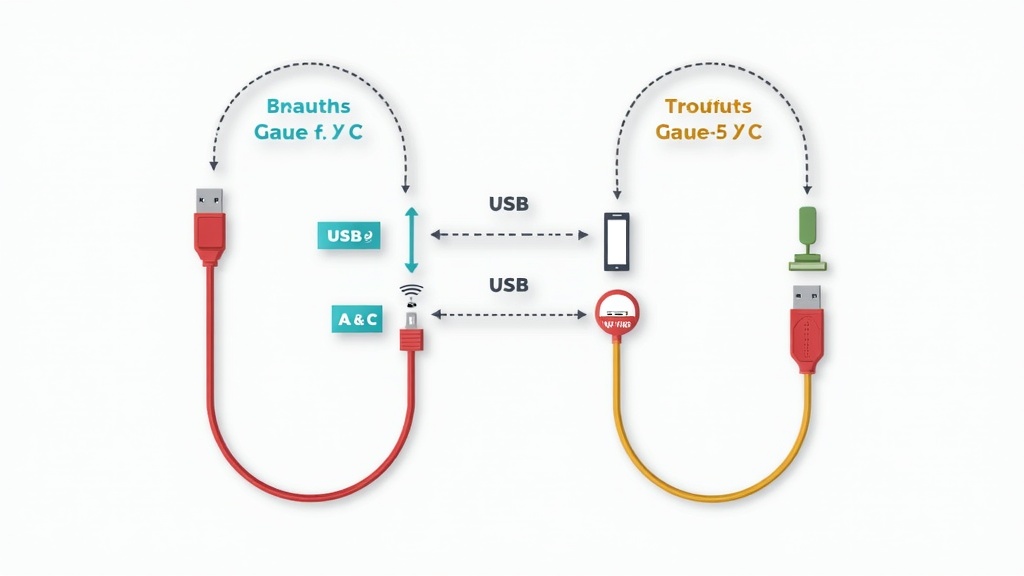
As more devices adopt the USB C standard, the relevance of USB A to C cables continues to grow. In this comprehensive guide, we will explore the fundamentals of USB A to C cables, their benefits, common applications, and essential tips for choosing the right cable, ensuring you stay ahead in the fast-paced tech landscape.
Understanding usb a to c cables
USB A to C cables are designed to connect devices with a USB A port, such as laptops and chargers, to devices with a USB C port, including smartphones, tablets, and newer laptops. The USB A connector is the traditional rectangular port that has been widely used for years, while the USB C connector is smaller, reversible, and supports faster data transfer and charging speeds.
One of the key features of USB A to C cables is their ability to support a range of USB standards, including USB 2.0, USB 3.0, and USB 3.1. Depending on the specifications of the cable, users can expect varying data transfer rates, making it essential to choose the right cable for specific needs. Understanding the technical aspects of these cables can help users maximize their device’s performance.
Key Benefits of usb a to c cables
USB A to C cables come with several notable advantages that cater to a wide array of users. Here are some key benefits:
- Versatility: They provide compatibility between older devices and new technology, allowing users to connect and charge various devices seamlessly.
- Faster Data Transfer: Depending on the specification, these cables can support high-speed data transfer, significantly reducing the time it takes to move files.
- Reversible Design: The USB C connector’s reversible design eliminates the frustration of trying to plug in the cable the right way, enhancing user experience.
- Power Delivery: Many USB A to C cables support power delivery, enabling faster charging for compatible devices, which is particularly useful for high-capacity devices.
Common Applications
USB A to C cables are versatile and can be found in various applications across different devices. Here are some common uses:
- Charging Devices: These cables are often used to charge smartphones, tablets, and laptops, providing a reliable connection to power sources.
- Data Transfer: They facilitate data transfer between devices, such as moving files from a laptop to a smartphone or vice versa.
- Peripheral Connection: USB A to C cables allow users to connect peripherals like printers, external hard drives, and keyboards to newer devices that predominantly use USB C ports.
- Audio/Video Output: Some USB A to C cables support audio and video output, allowing users to connect their devices to displays or projectors for presentations or media viewing.
How to Choose the Right usb a to c cables
Selecting the right USB A to C cable can significantly impact your experience. Here are some factors to consider:
- Data Transfer Speed: Check the specifications for data transfer rates. If you frequently transfer large files, opt for cables that support USB 3.0 or higher.
- Power Delivery Capability: Ensure that the cable supports power delivery if you need fast charging for high-capacity devices.
- Length: Consider the cable length you require for your setup. Longer cables offer flexibility but may affect data transfer speeds.
- Build Quality: Look for cables with durable materials and reinforced connectors to prevent wear and tear over time.
Best Practices and Tips
To maximize the lifespan and performance of your USB A to C cables, follow these best practices:
- Avoid Extreme Bending: Do not bend the cables excessively near the connectors, as this can lead to internal damage.
- Store Properly: When not in use, store your cables in a way that prevents tangling and damage, such as coiling them neatly.
- Regularly Check for Damage: Inspect your cables for any signs of wear or fraying, which can affect performance and safety.
- Use Certified Products: Opt for cables certified by reputable organizations to ensure compatibility and safety.
Common Mistakes to Avoid
When using or purchasing USB A to C cables, avoid these common pitfalls:
- Ignoring Specifications: Don’t overlook the specifications of the cable. Using an incompatible cable can lead to slower speeds or inadequate charging.
- Using Cheap, Unbranded Cables: While it may be tempting to buy the cheapest option, unbranded cables may not meet safety and performance standards.
- Neglecting Compatibility: Ensure your devices are compatible with the cable’s specifications, especially in terms of power delivery and data transfer rates.
- Assuming All Cables Are the Same: Different cables serve different purposes. Always choose a cable that fits your specific needs.
Future Trends
The future of USB A to C cables looks promising, with several trends emerging:
- Increased Adoption of USB C: As more devices transition to USB C, the demand for USB A to C cables will continue to grow, facilitating compatibility.
- Enhanced Data Transfer Speeds: Future cables will likely support even faster data transfer speeds, catering to the increasing need for speed in data-heavy applications.
- Improved Durability Features: Manufacturers are expected to innovate with more robust materials to enhance the durability and lifespan of cables.
- Integration with Smart Technology: The rise of smart devices may lead to cables that integrate with smart technology for enhanced functionality.
Conclusion
USB A to C cables are an essential component of modern technology, enabling seamless connectivity between a wide range of devices. By understanding their features, benefits, and applications, you can make informed decisions when purchasing and using these cables. Always remember to choose quality products and follow best practices to ensure optimal performance. As technology continues to advance, staying informed about trends and innovations in connectivity solutions will keep you ahead of the curve. For more information on enhancing your technology experience, explore our custom seo solutions and seo technologies.