Understanding USB-C Cables: The Future of Connectivity
Understanding USB-C Cables: The Future of Connectivity
Introduction
In the rapidly evolving world of technology, USB-C cables have emerged as a crucial component for modern devices. USB-C, or Universal Serial Bus Type-C, is a standard that offers a range of advantages over its predecessors. As more devices embrace this versatile connector, understanding its functionalities and benefits becomes increasingly important. This article delves into the intricacies of USB-C cables, highlighting their key features, applications, and tips for choosing the right cable for your needs.
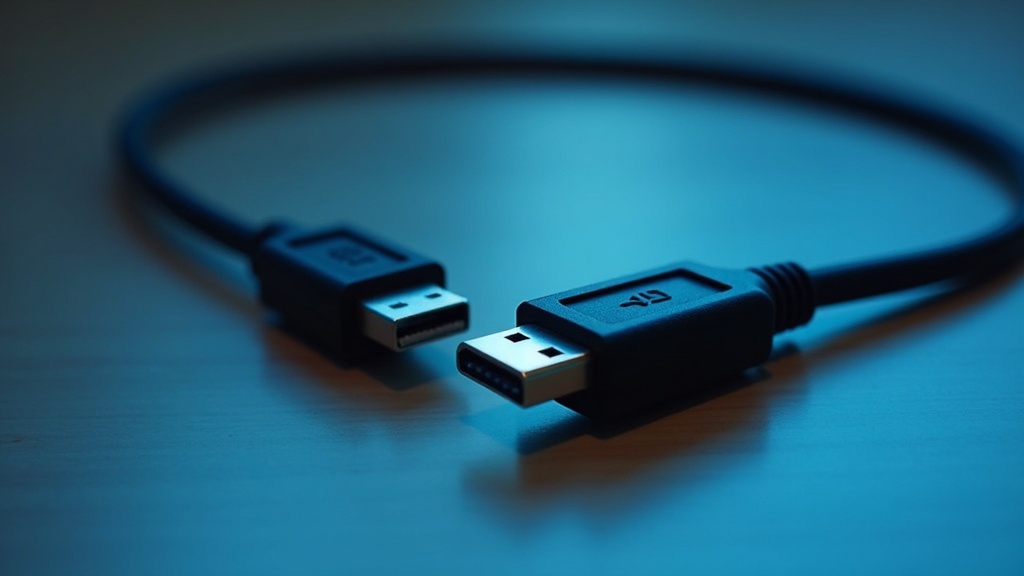
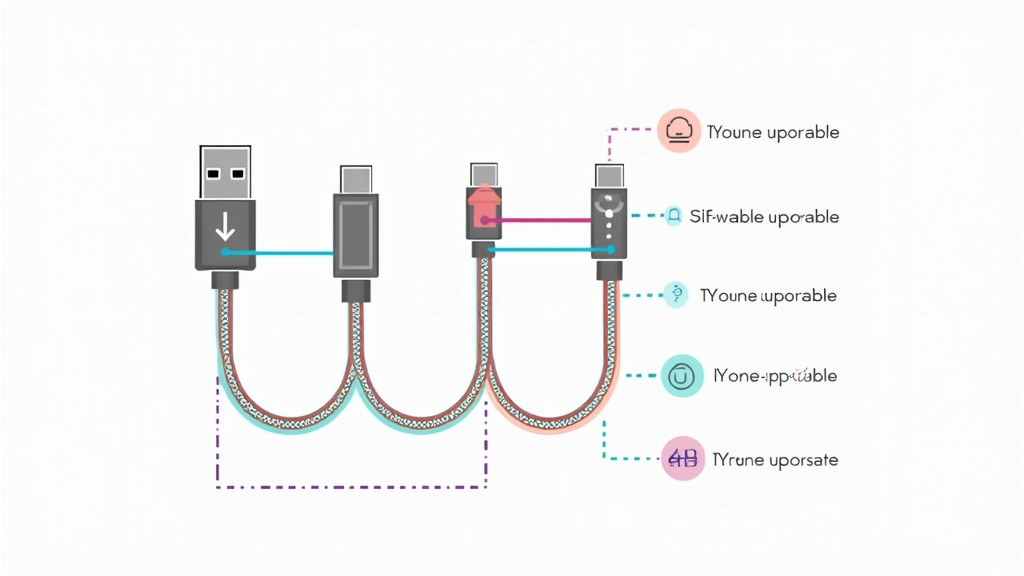
Understanding USB-C Cables
USB-C cables are a type of connection technology that has gained popularity due to their reversible design and high data transfer speeds. Unlike earlier USB types, the USB-C connector is symmetrical, meaning it can be plugged in either way, making it user-friendly. These cables also support various protocols, enabling them to transfer data, video, and power simultaneously. USB-C is not limited to just computers; it is now found in smartphones, tablets, and other electronic devices. With the increasing demand for faster charging and data transfer, USB-C cables are becoming the standard connection type in the tech industry.
Key Benefits of USB-C Cables
USB-C cables come with a multitude of benefits that make them a preferred choice for users. Firstly, they offer rapid charging capabilities, allowing devices to charge up to 100W, which is significantly faster than older USB types. Secondly, USB-C supports data transfer rates of up to 40 Gbps, making it ideal for transferring large files quickly. Thirdly, these cables are versatile; they can connect to a variety of devices, including monitors and external drives, without the need for multiple cable types. Lastly, USB-C cables are built with durability in mind, often featuring robust connectors that reduce wear and tear over time, enhancing their lifespan.
Common Applications
USB-C cables are used in a wide range of applications across different devices. In the realm of smartphones, they are commonly employed for charging and data transfer. Laptops, particularly those from major brands, have shifted to USB-C for power and peripheral connections. Additionally, USB-C is utilized in external monitors for video output, providing high-definition display capabilities. Other applications include connecting to docking stations, which allow multiple peripherals to be connected through a single USB-C port. The versatility of USB-C makes it suitable for both personal and professional use, integrating seamlessly into various setups.
How to Choose the Right USB-C Cables
Choosing the right USB-C cable can significantly impact your device’s performance. Here are key factors to consider:
- Data Transfer Speed: Look for cables that specify their data transfer rates. For high-speed needs, opt for cables supporting USB 3.1 or higher.
- Power Delivery: Ensure the cable supports the power requirements of your devices, especially for laptops or high-capacity gadgets.
- Build Quality: Choose cables with reinforced connectors and durable materials to prevent wear over time.
- Compatibility: Verify that the cable is compatible with your devices, particularly if you have specific requirements for video output or charging.
By understanding these factors, you can make an informed decision that meets your connectivity needs.
Best Practices and Tips
To ensure the longevity and efficiency of your USB-C cables, consider these best practices:
- Store Properly: Avoid bending or twisting the cables excessively to prevent internal damage.
- Regularly Inspect: Check your cables for signs of wear, such as fraying or loose connectors, and replace them if necessary.
- Use Certified Products: Whenever possible, buy cables from reputable brands to ensure quality and compatibility.
- Keep Firmware Updated: Ensure that your devices are running the latest firmware, as this can affect connectivity and performance.
Following these tips can help you maximize the performance of your USB-C cables and enhance your overall experience.
Common Mistakes to Avoid
When using USB-C cables, certain mistakes can lead to suboptimal performance or damage. Here are common pitfalls to avoid:
- Using Incompatible Cables: Not all USB-C cables support the same features. Using a basic cable for high-speed data transfer or charging can lead to slow performance or device damage.
- Neglecting Power Requirements: Ensure that the cable you use matches the power delivery requirements of your device to avoid overheating or damage.
- Ignoring Length: Using excessively long cables can result in signal loss. Choose a length that meets your needs without compromising performance.
- Forgetting to Secure Connections: Always ensure that connections are secure to prevent accidental disconnections or damage.
By avoiding these mistakes, you can maintain the integrity and functionality of your USB-C cables.
Future Trends
The future of USB-C cables looks promising, with several trends on the horizon. As technology advances, we can expect further enhancements in data transfer speeds and charging capabilities. The integration of USB-C into more devices is likely to continue, making it the universal standard for connectivity. Additionally, advancements in materials and design may lead to even more durable and efficient cables. Innovations such as support for higher video resolutions and expanded power delivery options are also anticipated, making USB-C an even more versatile option for consumers and professionals alike.
Conclusion
In conclusion, USB-C cables represent a significant advancement in connectivity technology, offering numerous benefits and applications. By understanding their features and following best practices, users can enhance their experience and ensure they are making the most of this versatile standard. As we move forward, staying informed about trends and innovations in USB-C technology will be essential for maximizing its potential in our increasingly digital lives. For more insights on technology and connectivity, consider exploring seo technologies and seo webpages. Don’t forget to check out insights on you seo for a broader understanding of the digital landscape.